

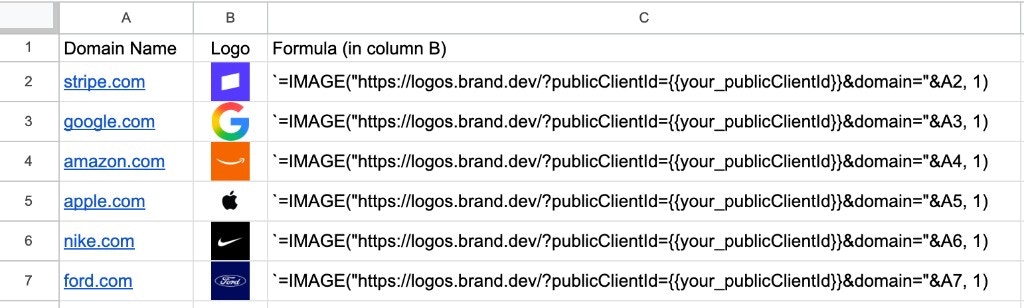
IMAGE() formula to render a logo in a cell when one is available.
Prerequisites
- A Context.dev account with a Logo Link
publicClientId(prefixbrandLL_). Copy it from the Logo Link dashboard.
Add a logo
ReplacebrandLL_xxx with your public client ID, then paste this formula into a cell:
Use a domain column
Reference a cell containing the domain instead of hardcoding it. If cellA2 holds stripe.com:
Sizing
The second argument ofIMAGE() controls how the logo fits inside the cell. From Google’s IMAGE() reference:
4:
Handle missing images
Not every domain resolves to an image that Google Sheets can display. Keep the domain visible in another column and useIFERROR when a blank cell is preferable to a formula error:
Limitations
- Google Sheets applies its own URL, format, and security rules to
IMAGE(). A URL that renders in a browser can still appear blank in a sheet. - Logo Link can return different image media types. Check the response’s
Content-Typewhen diagnosing a format-specific failure. - Referring-domain restrictions can behave differently when Google fetches the image. Test the exact workbook flow rather than weakening the restriction by default.
- Do not download, persist, or rehost the returned Logo Link image file. Follow the Logo Link usage boundaries.
Next steps
Microsoft Excel
Same workflow in Excel for Microsoft 365 and Excel for the web.
Logo Link reference
All Logo Link URL options and the publicClientId setup.
Zapier integration
Programmatic enrichment for Google Sheets rows beyond logos.
Logo Link dashboard
Manage your public client ID, restrictions, and usage.