

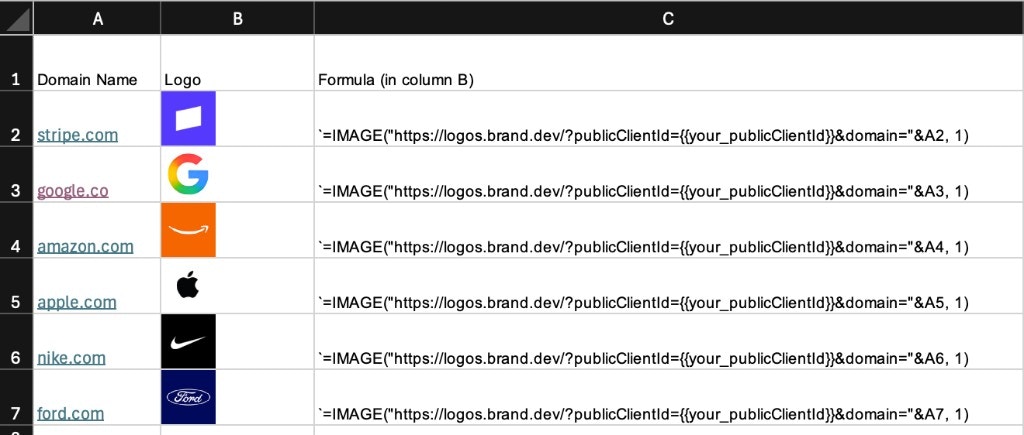
stripe.com in cell A2. Copy your brandLL_ public client ID from the Logo Link dashboard, then use the formula for your spreadsheet.
- Google Sheets
- Microsoft Excel
4 accepts custom height and width. See Google’s IMAGE reference.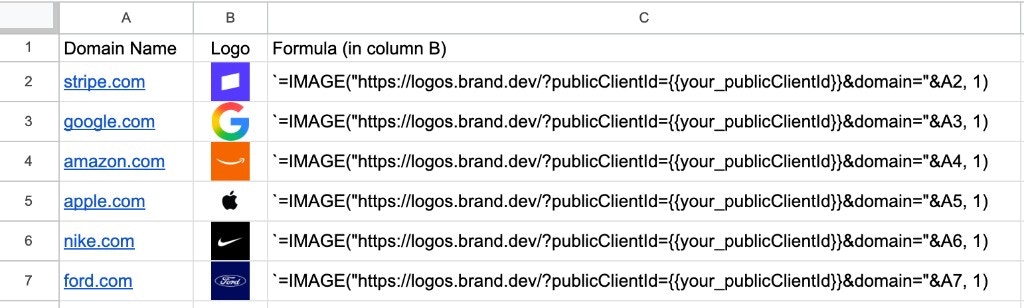
Handle missing images
Keep the domain or company name visible even when the image cannot load. Wrap the formula inIFERROR(your_formula, "") if a blank cell is preferable to a formula error.
Logo Link can return an SVG fallback with HTTP 200. Google Sheets does not support SVG in IMAGE; Excel’s supported formats and redirect rules can also prevent a browser-visible image from rendering. Check the response’s media type when diagnosing a blank cell.
Google or Microsoft may fetch the image on their own infrastructure. Test the workbook with your configured Domain Restrictions before sharing it.
Use Logo Link as a direct image URL and follow its usage restrictions. For company fields beyond logos, use Zapier or Make.